
How to Descale a Breville Espresso Machine: 4 Models
Match your model number and alert before starting. These steps cover the controls, solution and rinse for the Bambino, Bambino Plus, Barista Express and Barista Pro, from their US manuals.
Short answer: How to descale Breville espresso machine models comes down to four steps: confirm your model and its alert, prepare the solution your manual specifies, run that model's descale sequence, then complete its rinse. The Bambino BES450, Bambino Plus BES500, Barista Express BES870 and Barista Pro BES878 each use a different sequence, so do not borrow another model's buttons.
On this page
Short answer: How to descale Breville espresso machine models comes down to four steps: confirm your model and its alert, prepare the solution your manual specifies, run that model's descale sequence, then complete its rinse. The Bambino BES450, Bambino Plus BES500, Barista Express BES870 and Barista Pro BES878 each use a different sequence, so do not borrow another model's buttons.

Match your model, manual and supplies
Use this guide with these US manual versions: Bambino BES450 M26, Bambino Plus BES500 Y25, Barista Express BES870 X26 and Barista Pro BES878 Q26. Other models need their own instructions. If your controls or manual differ, stop here and use the matching manual instead.
What does the Breville clean descale light mean?
Breville assigns different meanings to the indicators:

| Model | Descaling indication | Separate cleaning indication |
|---|---|---|
| Bambino BES450 | Continuously flashing 2 CUP: a combined clean-and-descale alert | Same alert: one combined clean and descale cycle |
| Bambino Plus BES500 | 1 CUP and STEAM alternate with 2 CUP for 15 seconds | Alternating 1 CUP and 2 CUP after 200 extractions indicates flushing |
| Barista Express BES870 | CLEAN / DESCALE stays steadily lit | Flashing CLEAN / DESCALE means back-flushing |
| Barista Pro BES878 | LCD shows DESCALE | LCD shows FLUSH |
Gather fresh water, the appropriate descaling agent and your manual. Breville specifies a 68 fl oz (2 L) collection container for each Bambino: beneath the group head and steam wand on BES450, and beneath the portafilter and steam wand on BES500. Do not treat that container specification as an instruction for the other two models.
The BES450, BES500 and BES878 manuals use the tank’s DESCALE mark plus descaling agent. BES870 instead specifies one Breville descaling-powder sachet dissolved in 34 fl oz (1 L) of water. Do not transfer that measured recipe to the other machines. BES500 and BES878 explicitly require filter removal before adding powder; the BES450 and BES870 descale sections do not mention it.
How to descale Breville espresso machine models, step by step
How to descale Breville Bambino — BES450
- Prepare. Empty and firmly reinstall the drip tray. Fill the tank to DESCALE and add descaling agent. Position the 68 fl oz (2 L) container beneath the group head and steam wand.
- Start. Hold 2 CUP + STEAM together for 5 seconds. Breville says 2 CUP flashes during the cycle.
- Wait for the pause. When the solution stage finishes and the machine pauses, rinse the tank, refill to MAX and empty the collection container. Put both back.
- Run the rinse. Press 2 CUP. Wait until rinsing finishes and the machine returns to ready mode; then empty the container.
How to descale Breville Bambino Plus — BES500
- Prepare. Empty and reinstall the drip tray. Remove the tank’s water filter, fill to DESCALE and add the descaling agent. Put a 68 fl oz (2 L) container beneath the portafilter and steam wand.
- Turn off and wait. Press 1 CUP + STEAM together to switch off. Breville’s procedure calls for letting the machine cool completely before descaling.
- Enter descale mode. With the machine off, hold 1 CUP + STEAM for 5 seconds. Both buttons illuminate. Press either 1 CUP or STEAM to begin; the buttons then flash alternately.
- Refill at the pause. Once the solution is used, the machine pauses. Fill the tank to MAX and empty the collection container. Press 1 CUP or STEAM to resume.
- Finish. Breville describes alternating 1 CUP and STEAM flashes before standby. Empty the container, then rinse and thoroughly dry the drip tray and tank.
How to descale Breville Barista Express — BES870
- Mix the solution. Dissolve one Breville descaling-powder sachet in 34 fl oz (1 L) of water, then fill the tank with that mixture.
- Enter the mode. Hold 2 CUP, then hold POWER as well. POWER flashes while heating. Wait until POWER, 1 CUP, CLEAN / DESCALE and HOT WATER / STEAM are all steadily illuminated.
- Run all three paths. Press 1 CUP for the coffee path, approximately 25 seconds. Turn the steam dial right for steam, approximately 13 seconds, then left for hot water, approximately 8 seconds.
- Repeat the three paths. Breville says roughly half the solution should remain after the first sequence. Repeat the coffee, steam and hot-water steps to use the remaining solution.
- Rinse and exit. At the rinse transition, remove and thoroughly rinse the tank, then fill it to maximum capacity with fresh cold water. Repeat the coffee, steam and hot-water steps with that water. Press POWER to leave descale mode.
If the Express sits without action for 5 minutes in descale mode, Breville says it switches off. Re-enter descale mode to resume; an inactivity shutdown is not the rinse-completion instruction.
How to descale Breville Barista Pro — BES878
- Prepare. Empty and reinstall the drip tray. Remove the tank and its filter. Fill to DESCALE, add descaling agent and reinstall the tank.
- Select the program. Press MENU, turn the GRIND AMOUNT dial to DESCALE and press the dial to select. When 1 CUP illuminates, press it to start.
- Follow the display. The program covers coffee, hot water and steam, with a beep after each stage. Manually move the STEAM DIAL to HOT WATER and STEAM when the LCD directs you.
- Prepare the rinse. After those stages, empty the drip tray and discard any remaining solution from the tank. Refill to MAX and reinstall the tank. Press 1 CUP for the three-stage rinse.
- Finish at READY. After the machine beeps and displays READY, rinse and thoroughly dry the drip tray and tank.
Common mistakes—and when to stop
- Using the wrong Bambino button pair. BES450 uses 2 CUP + STEAM; BES500 uses 1 CUP + STEAM and requires a separate start press after entering the mode.
- Treating MAX as the initial solution mark on every machine. The Bambinos and Pro begin at DESCALE; MAX appears later in their refill instructions. The Express uses a measured mixture.
- Handling the tank mid-cycle. Breville’s BES450, BES500 and BES870 manuals warn against removing or completely emptying the tank during active descaling. Wait for the model’s specified pause or rinse transition before the instructed tank handling; do not improvise a refill halfway through.
- Walking away from the Express controls. Its 5-minute inactivity cutoff requires mode re-entry, not simply continuing with an assumed completed cycle.
- Ending after the solution stage. Finish the model’s rinse sequence. If the controls or display do not match this walkthrough, stop following this summary and consult the matching manual rather than borrowing another model’s next step.
FAQ
What descaling solution should I use in my Breville?
For the Barista Express BES870, Breville specifies dissolving one Breville Descaling powder sachet in 34 fl oz (1 L) of water before filling the tank. Follow that model-specific recipe. Breville Barista Express manual
For the Bambino, Bambino Plus and Barista Pro, the instructions say to fill to the DESCALE line and add descaling agent. Use your model’s instructions to confirm the agent and dose before starting. Each of the four manuals lists a descaling powder among the machine's accessories. The Bambino Plus and Barista Pro also require removing the water filter before adding descaling powder.
Does dismissing the alert complete maintenance?
No. On the Bambino and Bambino Plus, a button press can cancel the alert. That clears the notification; it does not run the descaling procedure. Follow the cycle through its refill and rinse instructions rather than stopping when the alert disappears.
Can I use vinegar to descale a Breville?
The four manuals we read do not mention vinegar. They call for a descaling agent, and the Barista Express manual names Breville's descaling powder, so we would stick with that.
How often should I descale a Breville?
These manuals give no calendar interval, so follow the machine's alert. The Barista Express and Barista Pro manuals add that replacing the water filter every two months reduces the need to descale.
How we researched the instructions
This manual-based guide draws on Breville’s US instruction books for the Bambino, Bambino Plus, Barista Express and Barista Pro. It follows each model’s maintenance alerts, preparation steps, controls and rinse instructions rather than offering a universal procedure. We did not run these cycles ourselves or compare descalers. Match the guide to your machine, and follow your model’s US manual if its instructions differ from this summary.
Sources
More from KitchenCog
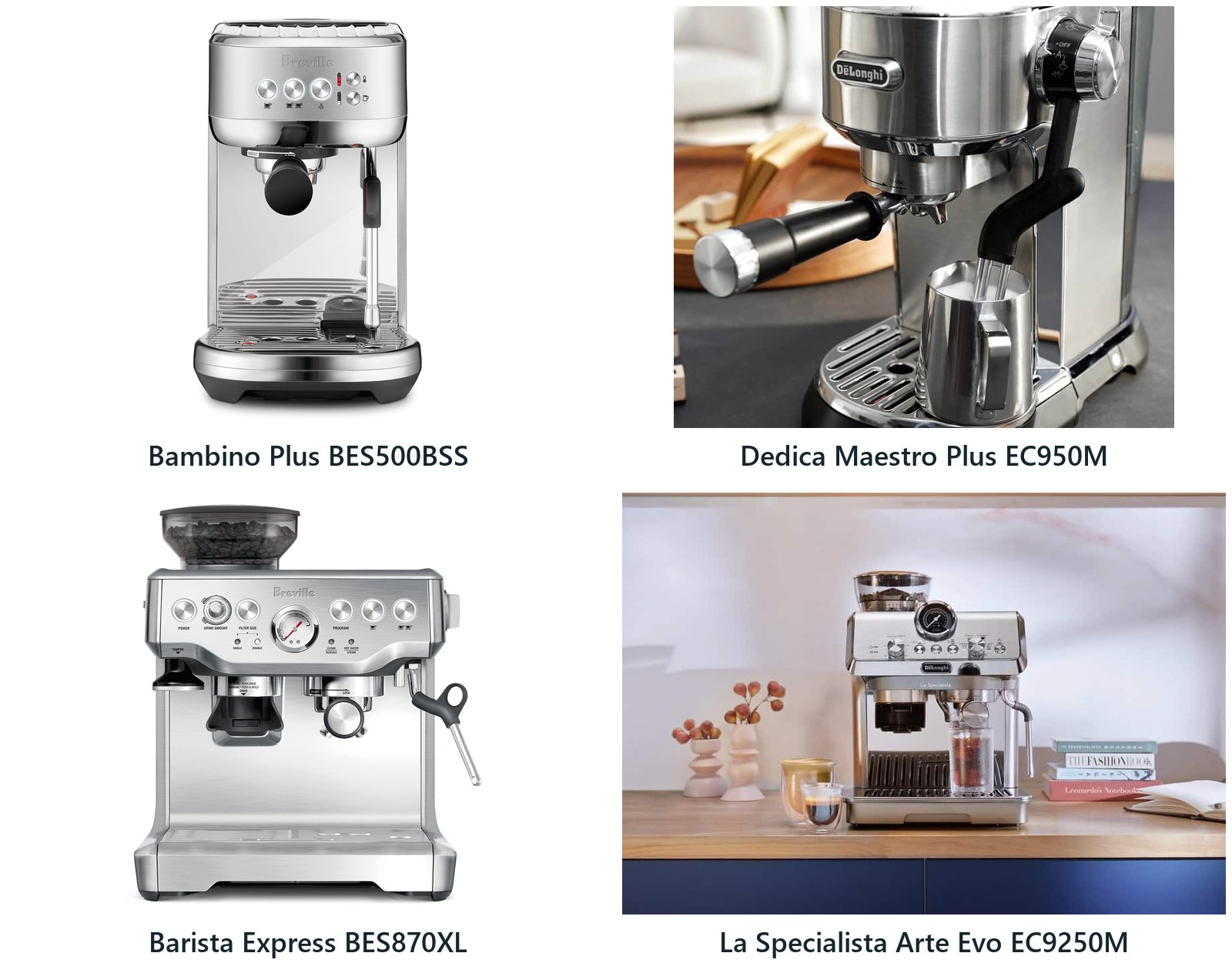
Breville vs DeLonghi Espresso Machine: 2 Matchups
Two matched pairs from Breville and De'Longhi compared from maker documents: hands-free milk and built-in grinder, with tank, weight, cleanup and warranty differences.
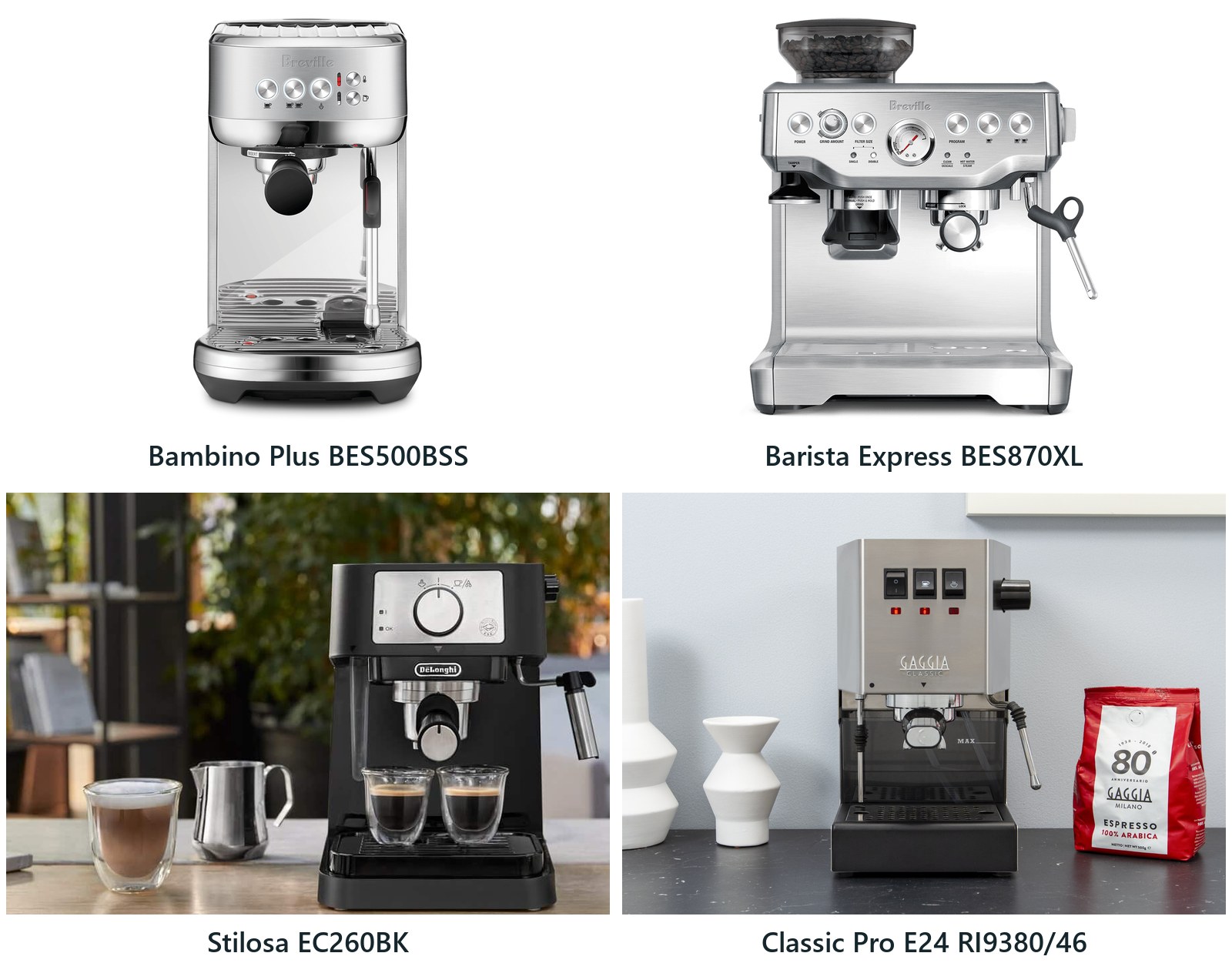
Best Espresso Machine for Beginners: 4 Picks by Setup
Four first espresso machines compared from maker documents: hands-free milk, a built-in grinder, a low-commitment start or learning manual technique, plus yearly upkeep counts.
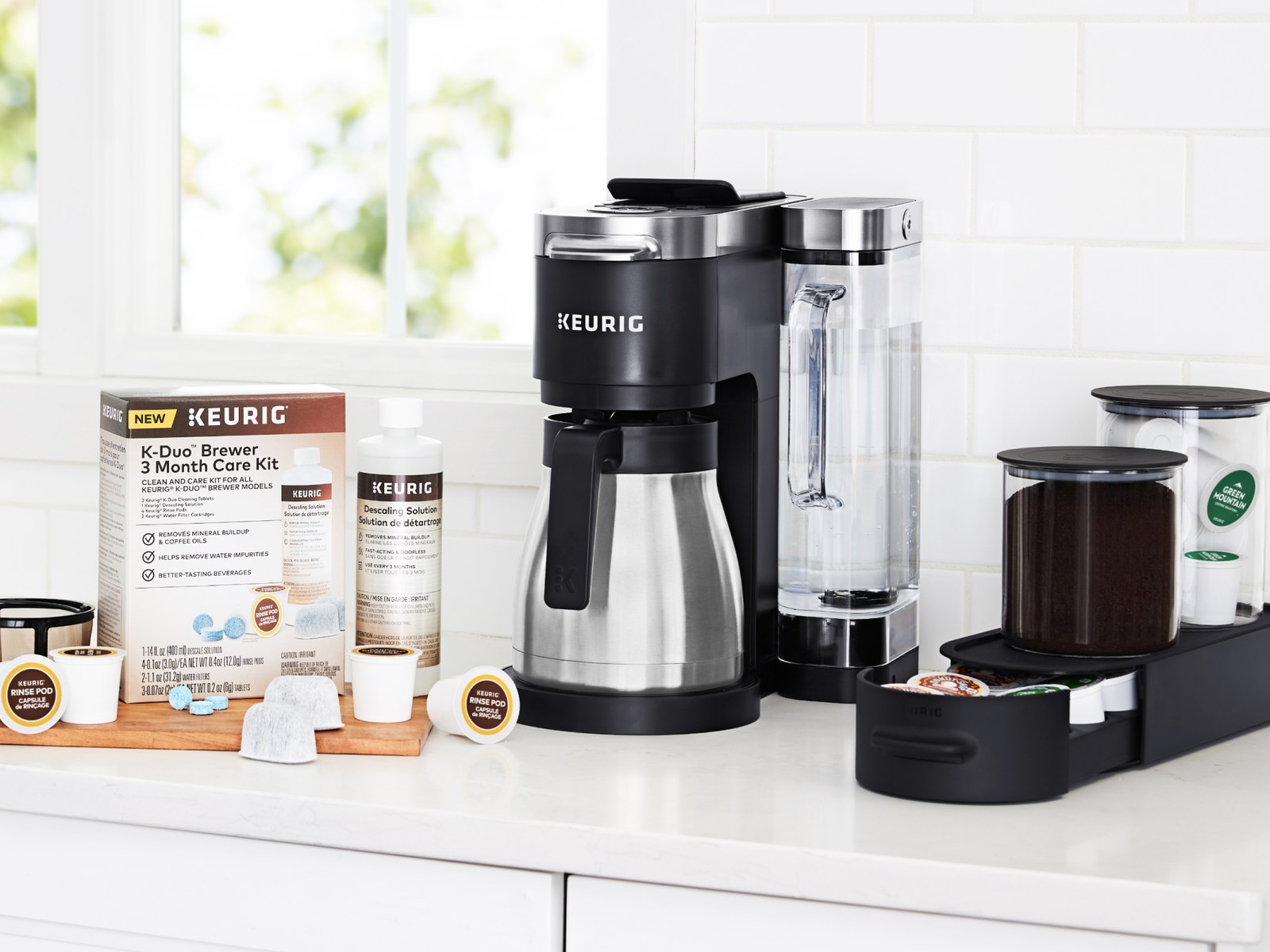
How to Descale a Keurig: Button Steps by Brewer
The right descale buttons for each Keurig brewer, how often to do it, and what to do if the brewer will not finish, from Keurig's own instructions.